MikeGyver Studio
Rust in 20 Minutes — Your First Win
Rust in 20 Minutes cover art
Cover

Rust in 20 Minutes

Your First Win

From the MikeGyver Studio… where learning isn’t overwhelming… it’s approachable, practical, and built one small win at a time.

Today, we’re stepping into something powerful… Rust.

Not as a wall of complexity… but as a door you can open in minutes.

This isn’t about mastering everything.

It’s about your first win.

Let’s begin.

Audio — Cover
Press play any time to replay this section.
Chapter 1 image
Chapter 1

The First Run

Every developer remembers their first program.

That simple moment… when the screen responds.

When something you typed… comes back alive.

In Rust, that moment is just as simple.

A single line. A single command.

And suddenly… Hello, World.

It may look small… but this is where everything begins.

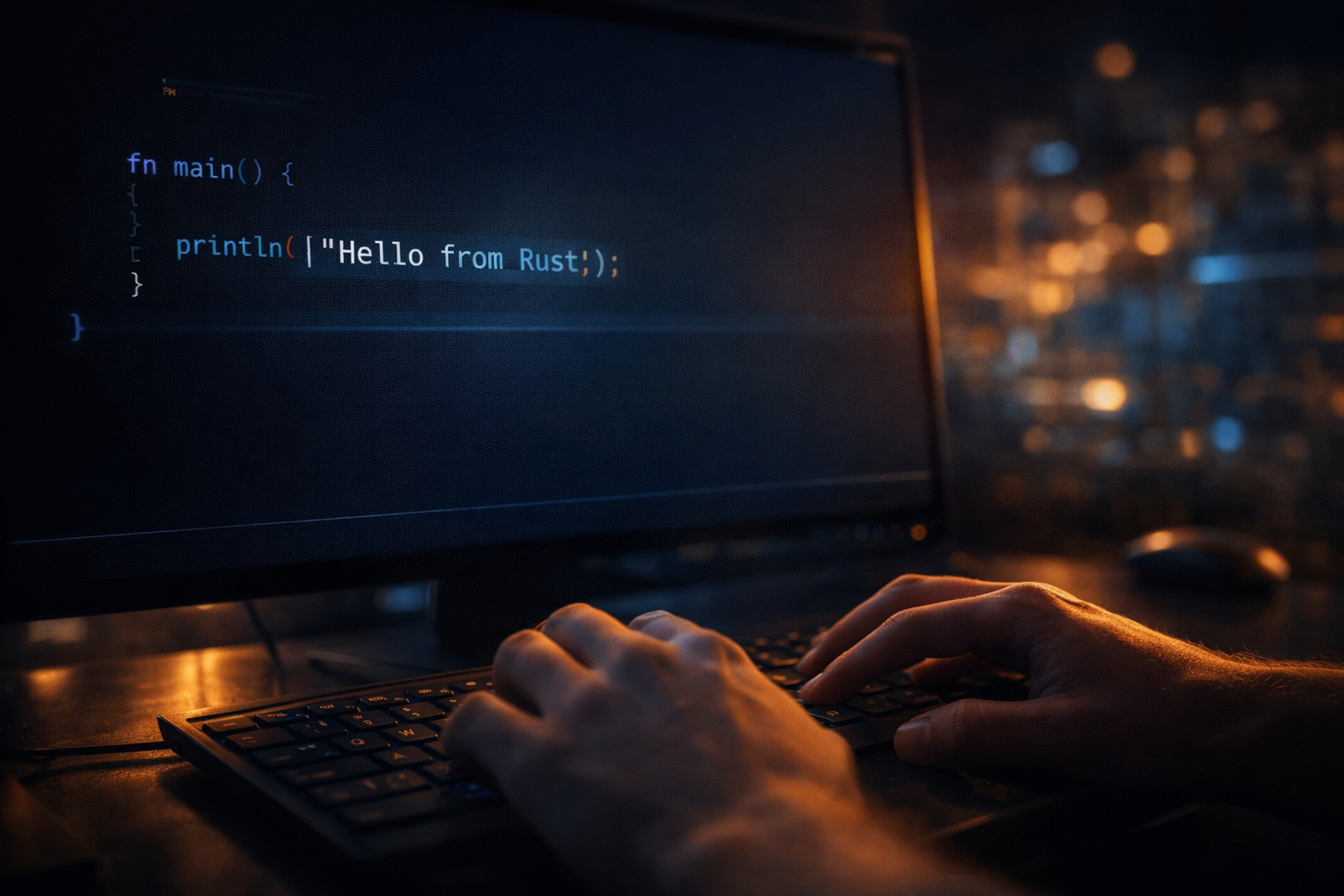
First Rust Program
fn main() {
    println!("Hello World");
}
Audio — Chapter 1
Replay is always available.
Chapter 2 image
Chapter 2

Make It Yours

Now comes the part where it becomes yours.

Not just “Hello, World”… but your message.

Your voice.

Your presence in the code.

Change the words. Make it personal.

Because programming isn’t about memorizing syntax…

It’s about expression.

And this… is your first step into ownership.

Make It Personal
fn main() {
    println!("Hello World, From YOU!");
}
Audio — Chapter 2
Chapter 3 image
Chapter 3

Cargo

Behind every great tool… is something quietly powerful.

In Rust, that tool is Cargo.

It builds. It runs. It organizes your work.

With just a couple of commands… you’re not just writing code…

You’re creating structure.

And structure… is what turns small ideas into real projects.

Below is the full Cargo.toml used for this example.

These dependencies let Rust run in the browser, read JSON, and react when the learner types into the input box.

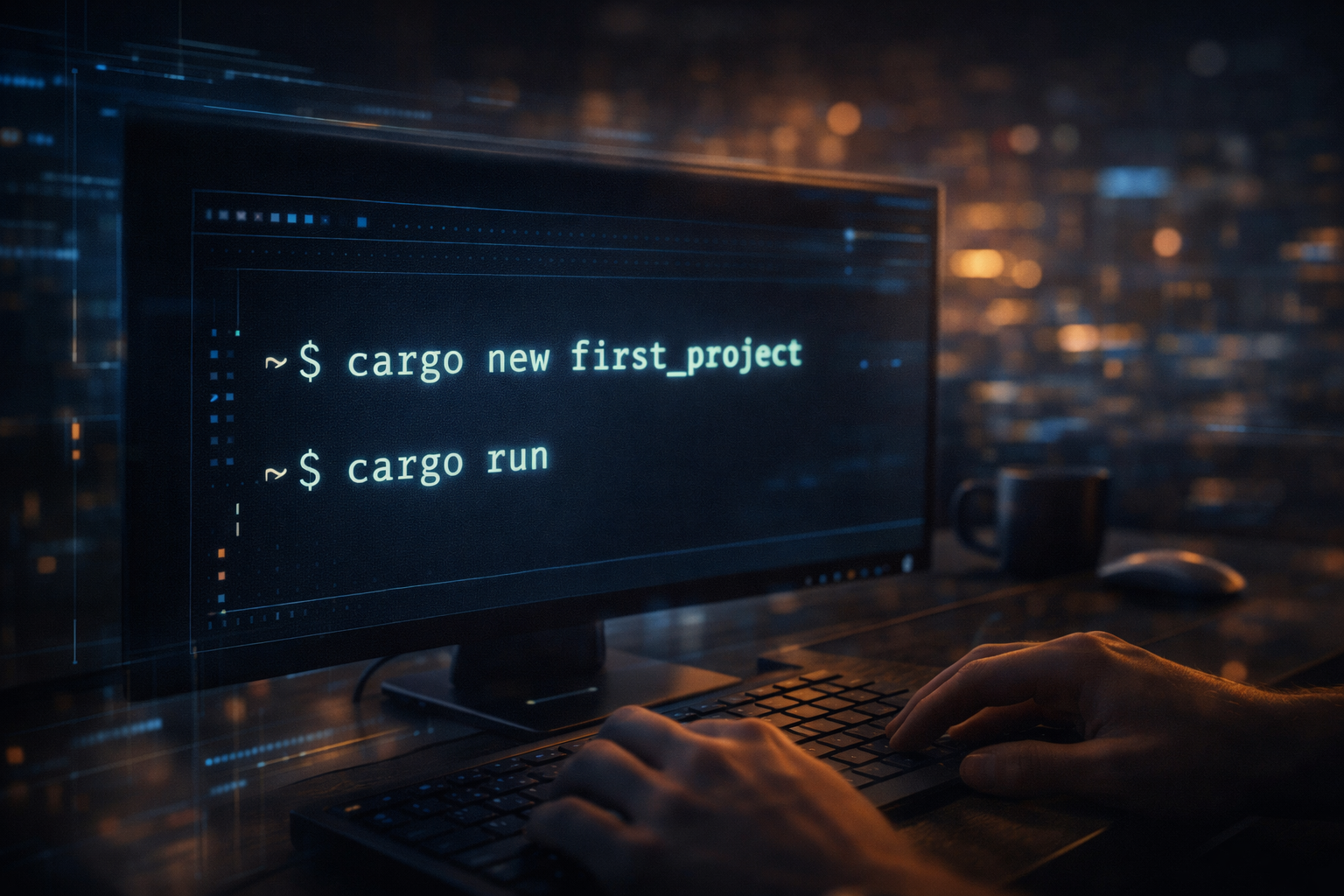
Cargo Commands
cargo new hello_rust
cd hello_rust
cargo run
Full Cargo.toml
[package]
name = "hello_rust"
version = "0.1.0"
edition = "2021"

[dependencies]
yew = { version = "0.21", features = ["csr"] }
gloo-net = "0.6"
wasm-bindgen-futures = "0.4"
serde = { version = "1", features = ["derive"] }
web-sys = { version = "0.3", features = ["HtmlInputElement"] }
Audio — Chapter 3
Chapter 4 image
Chapter 4

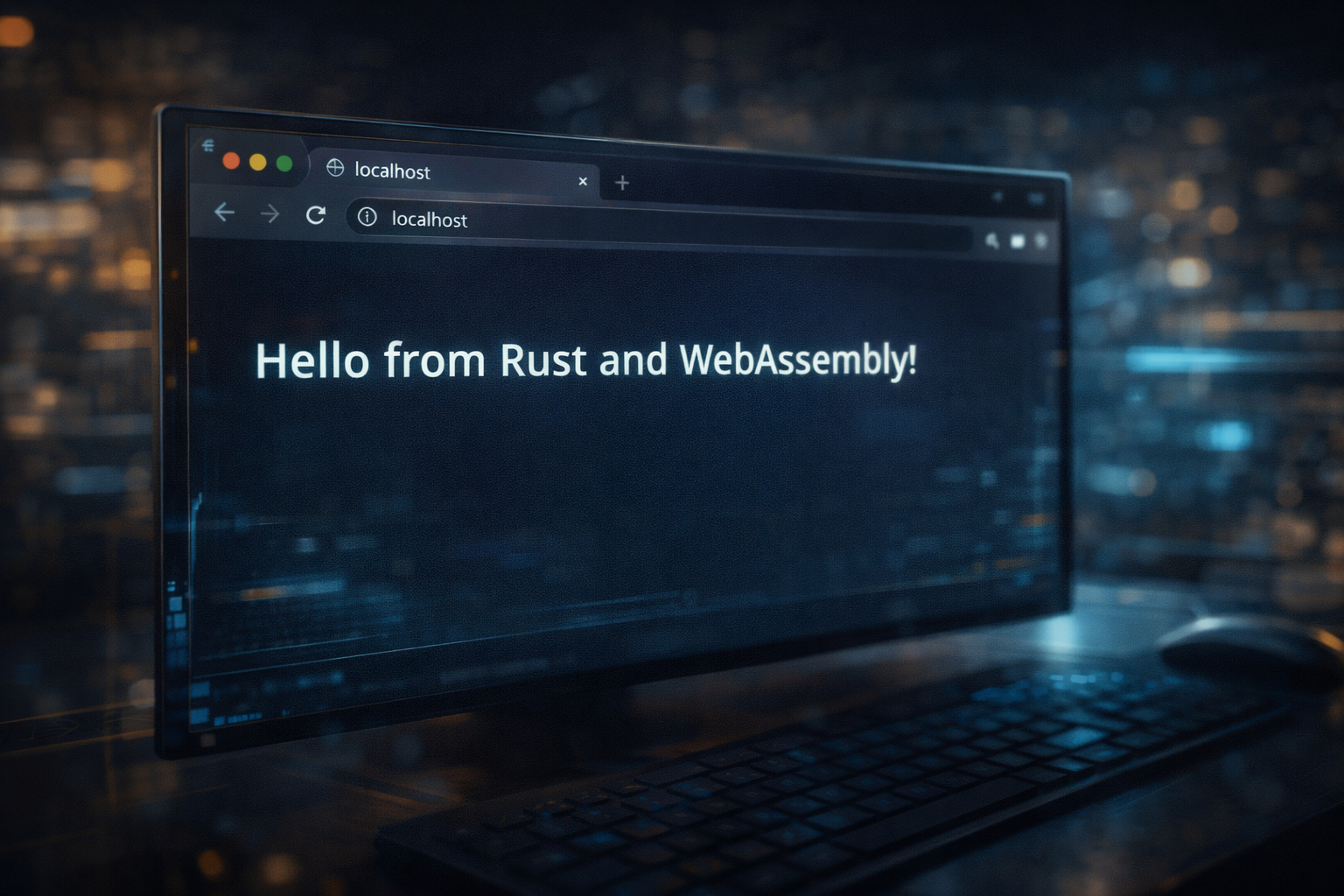
Rust in the Browser

Now something shifts.

Your code… is no longer just in a terminal.

It’s alive… in the browser.

Rust… running as WebAssembly.

Fast. Portable. Visible.

This chapter includes the exact app files used to build the example.

The second half of the greeting comes from a JSON file, so learners can type into the browser and see instant feedback.

But after a refresh… the app returns to the original JSON value.

Run the App
trunk serve
App index.html
<!doctype html>
<html lang="en">
<head>
  <meta charset="utf-8" />
  <meta name="viewport" content="width=device-width,initial-scale=1" />
  <meta name="color-scheme" content="dark" />
  <meta name="theme-color" content="#0b1020" />
  <title>rust-hello-world-mikegyver-studio</title>
  <link data-trunk rel="css" href="styles.css" />
  <link data-trunk rel="copy-file" href="message.json" />
</head>
<body id="top">
  <div id="app"></div>
  <link data-trunk rel="rust" />
</body>
</html>
Show full styles.css
App styles.css
:root {
  --bg: #0b1020;
  --bg2: #10182d;
  --panel: rgba(18, 28, 52, 0.82);
  --panel-border: rgba(120, 170, 255, 0.22);
  --text: #eef4ff;
  --muted: #a9bbda;
  --gold: #f2c14e;
  --blue: #66b3ff;
  --cyan: #79f0ff;
  --shadow: 0 20px 60px rgba(0, 0, 0, 0.45);
}

* {
  box-sizing: border-box;
}

html,
body {
  margin: 0;
  min-height: 100%;
  background:
    radial-gradient(circle at top left, rgba(86, 144, 255, 0.20), transparent 28%),
    radial-gradient(circle at bottom right, rgba(121, 240, 255, 0.12), transparent 24%),
    linear-gradient(180deg, #08101f 0%, #0b1020 35%, #0f1730 100%);
  color: var(--text);
  font-family: Inter, ui-sans-serif, system-ui, -apple-system, BlinkMacSystemFont, "Segoe UI", sans-serif;
}

body {
  overflow-x: hidden;
}

#app {
  min-height: 100vh;
}

.page {
  position: relative;
  min-height: 100vh;
  display: flex;
  align-items: center;
  justify-content: center;
  padding: 24px;
}

.card {
  width: min(920px, 100%);
  background: linear-gradient(180deg, rgba(17, 26, 47, 0.90), rgba(10, 17, 34, 0.94));
  border: 1px solid var(--panel-border);
  border-radius: 28px;
  padding: 28px 22px;
  box-shadow: var(--shadow);
  backdrop-filter: blur(10px);
}

.topline {
  display: inline-block;
  margin-bottom: 12px;
  padding: 8px 14px;
  border-radius: 999px;
  background: rgba(102, 179, 255, 0.10);
  border: 1px solid rgba(102, 179, 255, 0.22);
  color: var(--cyan);
  font-size: 0.9rem;
  letter-spacing: 0.04em;
  text-transform: uppercase;
}

.title {
  margin: 0;
  font-size: clamp(2rem, 7vw, 4.3rem);
  line-height: 1.05;
  font-weight: 800;
  letter-spacing: -0.03em;
}

.title .accent {
  color: var(--gold);
}

.subtitle {
  margin: 16px 0 0;
  color: var(--muted);
  font-size: clamp(1rem, 3vw, 1.2rem);
  line-height: 1.6;
  max-width: 760px;
}

.console {
  margin-top: 28px;
  background: rgba(4, 8, 18, 0.90);
  border: 1px solid rgba(102, 179, 255, 0.18);
  border-radius: 20px;
  overflow: hidden;
}

.console-header {
  display: flex;
  align-items: center;
  gap: 8px;
  padding: 14px 16px;
  background: linear-gradient(180deg, rgba(24, 35, 63, 0.9), rgba(15, 24, 45, 0.9));
  border-bottom: 1px solid rgba(102, 179, 255, 0.12);
}

.dot {
  width: 11px;
  height: 11px;
  border-radius: 50%;
}

.dot.red { background: #ff5f57; }
.dot.yellow { background: #febc2e; }
.dot.green { background: #28c840; }

.console-title {
  margin-left: 6px;
  font-size: 0.95rem;
  color: var(--muted);
}

.console-body {
  padding: 18px 18px 22px;
  font-family: "SFMono-Regular", Consolas, "Liberation Mono", Menlo, monospace;
  font-size: clamp(0.95rem, 2.6vw, 1.08rem);
  line-height: 1.8;
  color: #dff3ff;
}

.prompt {
  color: var(--blue);
}

.output {
  color: #bfffc9;
}

.editor-panel {
  margin-top: 28px;
}

.editor-label {
  display: block;
  margin-bottom: 10px;
  color: #cfe0ff;
  font-size: 0.98rem;
}

.editor-input {
  width: 100%;
  padding: 14px 16px;
  border-radius: 16px;
  border: 1px solid rgba(120, 170, 255, 0.25);
  background: rgba(6, 11, 24, 0.92);
  color: #eef4ff;
  font-size: 1rem;
  outline: none;
}

.editor-input:focus {
  border-color: rgba(121, 240, 255, 0.65);
  box-shadow: 0 0 0 3px rgba(121, 240, 255, 0.12);
}

.signature {
  margin-top: 24px;
  display: flex;
  flex-wrap: wrap;
  gap: 12px;
}

.badge {
  padding: 10px 14px;
  border-radius: 999px;
  background: rgba(242, 193, 78, 0.10);
  border: 1px solid rgba(242, 193, 78, 0.22);
  color: #ffe39b;
  font-size: 0.95rem;
}

.action-button {
  padding: 10px 16px;
  border: 1px solid rgba(242, 193, 78, 0.28);
  background: rgba(242, 193, 78, 0.12);
  color: #ffe39b;
  border-radius: 999px;
  cursor: pointer;
  font-size: 0.95rem;
}

.action-button:disabled {
  opacity: 0.6;
  cursor: not-allowed;
}

.footer-note {
  margin-top: 20px;
  color: #8ea3c5;
  font-size: 0.92rem;
}

@media (max-width: 640px) {
  .page {
    padding: 16px;
  }

  .card {
    padding: 22px 16px;
    border-radius: 22px;
  }

  .console-body {
    padding: 16px;
  }

  .signature {
    flex-direction: column;
  }
}
Show message.json
message.json
{
  "message": "From Rust and MikeGyver Studio"
}
Show full main.rs
Full main.rs
use gloo_net::http::Request;
use serde::Deserialize;
use wasm_bindgen_futures::spawn_local;
use web_sys::HtmlInputElement;
use yew::prelude::*;
use yew::TargetCast;

#[derive(Clone, Debug, Deserialize, PartialEq)]
struct MessageData {
    message: String,
}

#[function_component(App)]
fn app() -> Html {
    let loaded_message = use_state(|| None::<String>);
    let current_message = use_state(|| String::from("From Rust and MikeGyver Studio"));
    let is_loading = use_state(|| true);
    let load_error = use_state(|| None::<String>);

    {
        let loaded_message = loaded_message.clone();
        let current_message = current_message.clone();
        let is_loading = is_loading.clone();
        let load_error = load_error.clone();

        use_effect_with((), move |_| {
            spawn_local(async move {
                match Request::get("message.json").send().await {
                    Ok(response) => match response.json::<MessageData>().await {
                        Ok(data) => {
                            current_message.set(data.message.clone());
                            loaded_message.set(Some(data.message));
                            load_error.set(None);
                        }
                        Err(err) => {
                            load_error.set(Some(format!("Could not parse message.json: {err}")));
                            current_message.set(String::from("From Rust and MikeGyver Studio"));
                        }
                    },
                    Err(err) => {
                        load_error.set(Some(format!("Could not load message.json: {err}")));
                        current_message.set(String::from("From Rust and MikeGyver Studio"));
                    }
                }

                is_loading.set(false);
            });

            || ()
        });
    }

    let oninput = {
        let current_message = current_message.clone();

        Callback::from(move |e: InputEvent| {
            let input: HtmlInputElement = e.target_unchecked_into();
            current_message.set(input.value());
        })
    };

    let reset_to_original = {
        let loaded_message = loaded_message.clone();
        let current_message = current_message.clone();

        Callback::from(move |_| {
            if let Some(original) = (*loaded_message).clone() {
                current_message.set(original);
            } else {
                current_message.set(String::from("From Rust and MikeGyver Studio"));
            }
        })
    };

    html! {
        <main class="page">
            <section class="card">
                <div class="topline">{ "Rust • Yew • WebAssembly" }</div>

                <h1 class="title">
                    { "Hello World," }
                    <br />
                    <span class="accent">{ (*current_message).clone() }</span>
                </h1>

                <p class="subtitle">
                    { "This demo loads the second part of the greeting from a JSON file. Edit it below to see how Rust + Yew can react instantly in the browser." }
                </p>

                <div class="console">
                    <div class="console-header">
                        <span class="dot red"></span>
                        <span class="dot yellow"></span>
                        <span class="dot green"></span>
                        <span class="console-title">{ "interactive message demo" }</span>
                    </div>

                    <div class="console-body">
                        {
                            if *is_loading {
                                html! {
                                    <div>
                                        <span class="prompt">{ "$ loading message.json..." }</span>
                                    </div>
                                }
                            } else if let Some(err) = &*load_error {
                                html! {
                                    <>
                                        <div>
                                            <span class="output">
                                                { format!("Hello World, {}", (*current_message).clone()) }
                                            </span>
                                        </div>
                                        <div style="margin-top: 12px; color: #ffb3b3;">
                                            { err.clone() }
                                        </div>
                                    </>
                                }
                            } else {
                                html! {
                                    <>
                                        <div>
                                            <span class="prompt">{ "$ message from JSON:" }</span>
                                        </div>
                                        <div>
                                            <span class="output">
                                                { format!("Hello World, {}", (*current_message).clone()) }
                                            </span>
                                        </div>
                                    </>
                                }
                            }
                        }
                    </div>
                </div>

                <div class="editor-panel">
                    <label class="editor-label" for="message-input">
                        { "Change only the second part of the greeting:" }
                    </label>

                    <input
                        id="message-input"
                        class="editor-input"
                        type="text"
                        value={(*current_message).clone()}
                        oninput={oninput}
                        placeholder="From Rust and MikeGyver Studio"
                        disabled={*is_loading}
                    />

                    <div class="signature">
                        <button class="action-button" onclick={reset_to_original} disabled={*is_loading}>
                            { "Reset to JSON value" }
                        </button>
                        <span class="badge">{ "Refresh restores original JSON message" }</span>
                        <span class="badge">{ "Hello World stays fixed" }</span>
                    </div>
                </div>

                <p class="footer-note">
                    { "This gives learners a simple way to experience Rust reactivity without changing compiled code. Edit the text, refresh the page, and the original JSON-driven message returns." }
                </p>
            </section>
        </main>
    }
}

fn main() {
    yew::Renderer::<App>::new().render();
}
Audio — Chapter 4
Chapter 5 image
Chapter 5

Interactive Moment

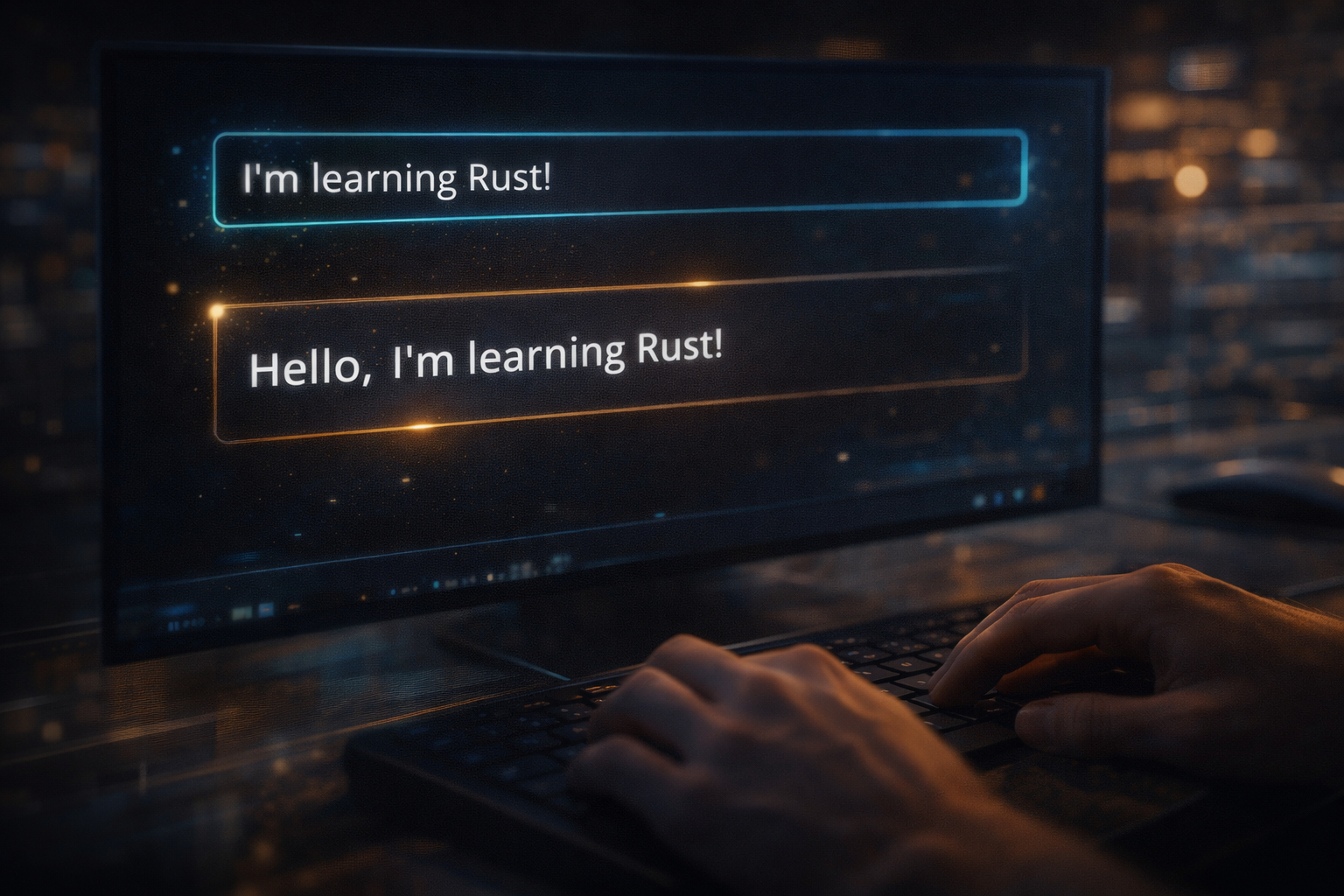
And now… you interact.

You type… and the screen responds instantly.

What you change… changes the experience.

This is more than code.

This is feedback. This is connection.

This is where learning becomes real.

Hello World remains steady on purpose.

You only change the second half of the greeting.

That makes this a safe and simple first Rust experiment.

JSON Message Example
{
  "message": "From a Rust beginner!"
}
Audio — Chapter 5
Epilogue image
Epilogue

First Win

Take a moment… and look at what you’ve done.

You started with nothing… and now you have something working.

Something you understand. Something you can change.

That’s your first win.

And in Rust… that first win matters.

Because it proves something important.

You can do this.

Audio — Epilogue
Credits image
Credits

MikeGyver Studio

This learning experience was created by MikeGyver Studio.

Built with curiosity… powered by experimentation… and shared with the belief that learning should be simple, practical, and accessible.

If this helped you… keep going.

Because this is just the beginning.

Audio — Credits
Full Narration
Listen to the entire lesson in one continuous track.